
Are you looking for the best free AI image generators for commercial use? Well, look no further because that’s exactly what I’m about to share with you.
I’ve been playing around with many free AI image generators (as well as other must-have creative AI tools) for the past few months and I’ve been having a serious amount of fun with them.
However, one of the biggest issues I’ve come across is only being allowed to use the images for personal use, especially with the free plans.
So, with that in mind, I’ve compiled a list of some of the best free AI Image Generators that are not only commercial-use friendly but also generate great images at the same time.
Choosing The Best Free AI Image Generators
I’ve tried many free AI image generators and although there are quite a few good ones, I’ve narrowed it down to the ones that are the easiest to use and beginner-prompt-friendly (will produce decent results with simple prompts).
They also needed to be commercial-use friendly and free forever so no free trials here (although, as they’re free, most will have daily/monthly image limits). And last but not least, they need to produce images at a decent speed.
So, to keep this fair, I’m going to use the same basic beginner-style prompt with very few details with each image generator so that you can see how they compare.
The prompt will be “A sparkly diamond dragon” so I’m not even going to tell it the type of image I want.
I’m also not going to use any styles/filters either so you can see how well each one performed with limited instructions but be prepared because this post is about to be taken over by a whole bunch of sparkly diamond dragons!
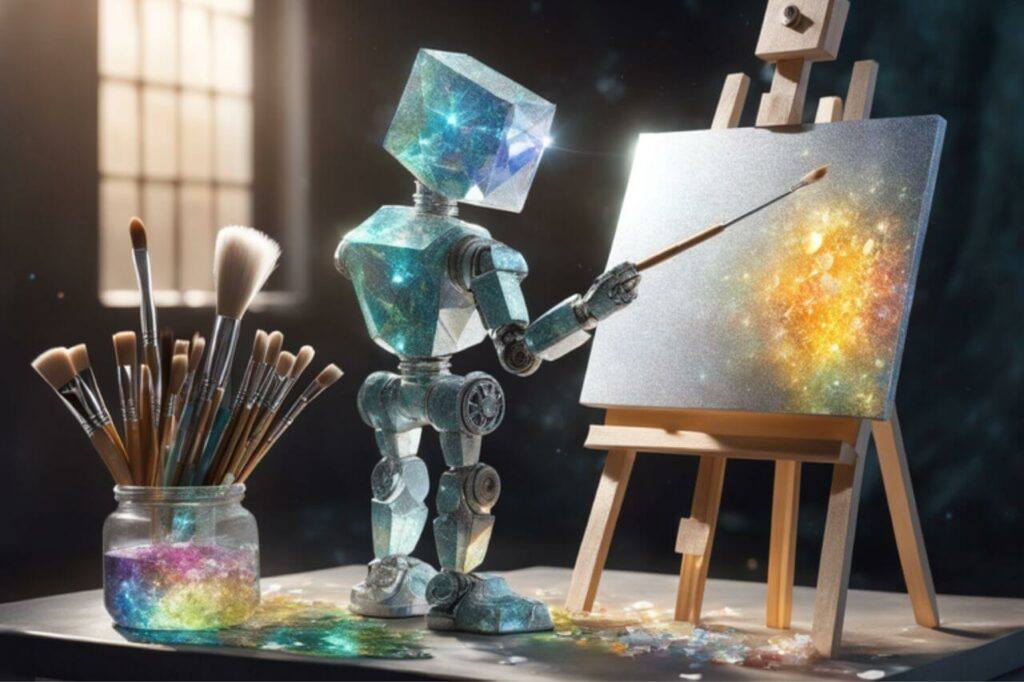
Note: You will get even better images by adding different styles/filters and of course more detailed prompts but as these generators have different style/filter options, it’s easier to compare them if I leave them all set to none.
Playground AI
I’m going to start with Playground AI because it’s one of my favourite ones to use. It’s also pretty close to unlimited use with the free plan so you can play around with it to perfect your image prompt skills without worrying about running out of uses.
With the free plan, you can create up to 500 images daily so as I said, it’s pretty close to unlimited use.
It’s extremely easy to sign up by simply using your Google account and once you’ve done that, you’ll be given a quick tutorial on how to use the tools but it’s pretty easy and straightforward to use.
You can choose between 4 different AI models and switching between them will give you very different image results (Stable Diffusion XL is my favourite and the one I used to generate the image further down).
Multiple Options For Generating Different Images
You can choose to generate 1 to 4 images with each prompt and there is a choice of 6 default sizes.
For more size options, you can upgrade to the paid version but I don’t worry about this too much because as long as the aspect ratio is close to what I’m looking for, I can simply resize the images later in Canva.
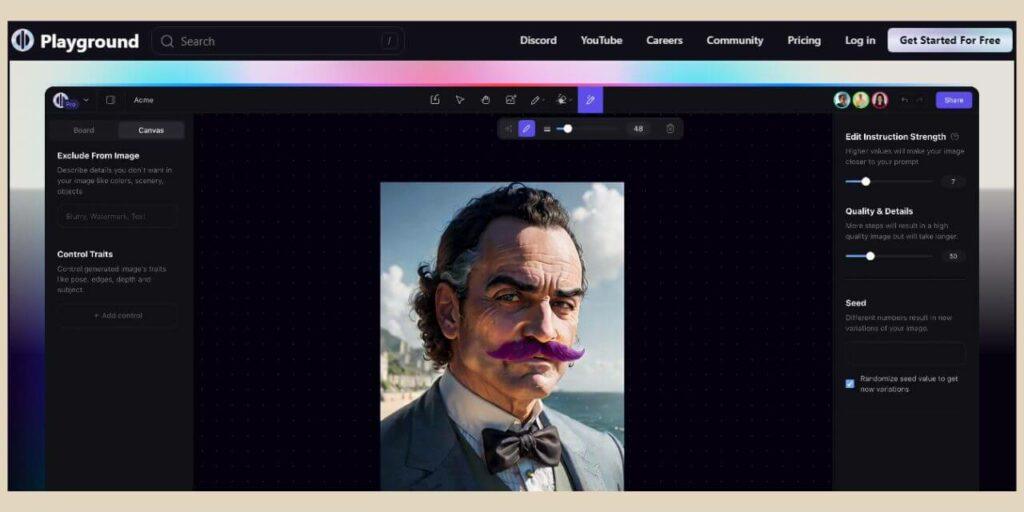
There are also several filters/styles that you can use to change how your images look and these range from Cinematic to Anime so you can really alter the types of images that are generated from the same prompt.
There’s also an Image to Image tool that will allow you to upload your own image as a starting point and Playground AI will generate new images based on the one you’ve uploaded.
Editing Options For Generated Images
Once you’ve generated an image you like, you can also edit it further by adding, modifying or removing objects, changing colours or adding styles.
There’s also the outpainting tool which will allow you to extend your image by adding more content around it.
You can even remove the backgrounds or use a mask tool to select certain areas of the image you’d like to change.
One downside to the free plan is that during busy peak times, the image generation times can be slower but I’ve only come across this on a small number of occasions and it still only took about a minute or so to generate them.
This is one of the results that Playground AI came back with when I used the “A sparkly diamond dragon” prompt and as you can see, it produced a pretty awesome image just from that simple short prompt alone.
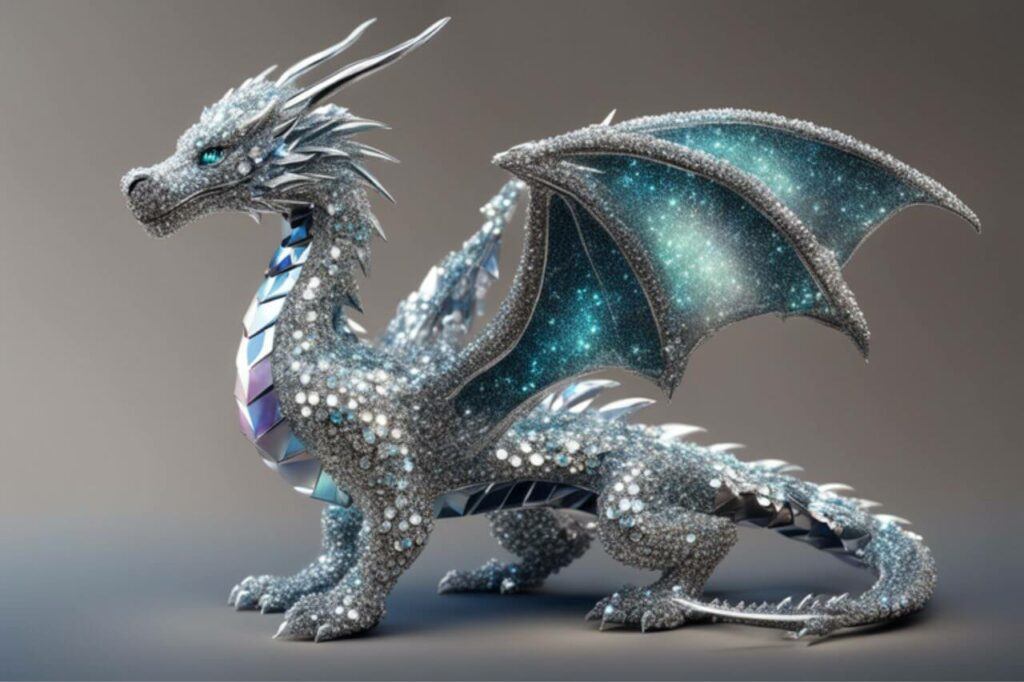
As I mentioned at the start, I’m not going to use any filters or styles, I’m just going to use that short prompt with no other instructions and leave all other settings to none so you can see how all the AI image generators compare. The only thing that may change is the AI model used.
If you’d like to learn more about how to use Playground AI then check out my full step-by-step tutorial here.
Leonardo AI
The next free AI image generator on the list is Leonardo AI and although its use is much more limited than Playground AI, it’s still not bad on their free plan.
Signing up used to be a little different in that you needed to get their approval to be whitelisted on their early access list before you could access the platform.
However, this has since changed so you can now just sign up using your Google, Apple or Microsoft account to get instant access to the platform just like all the other generators on this list.
Once You’ve Signed Up
Once you’re in, you’ll get 150 free tokens to use each day although 1 token doesn’t necessarily mean 1 image. The amount of tokens it takes to generate images varies on a number of different things.
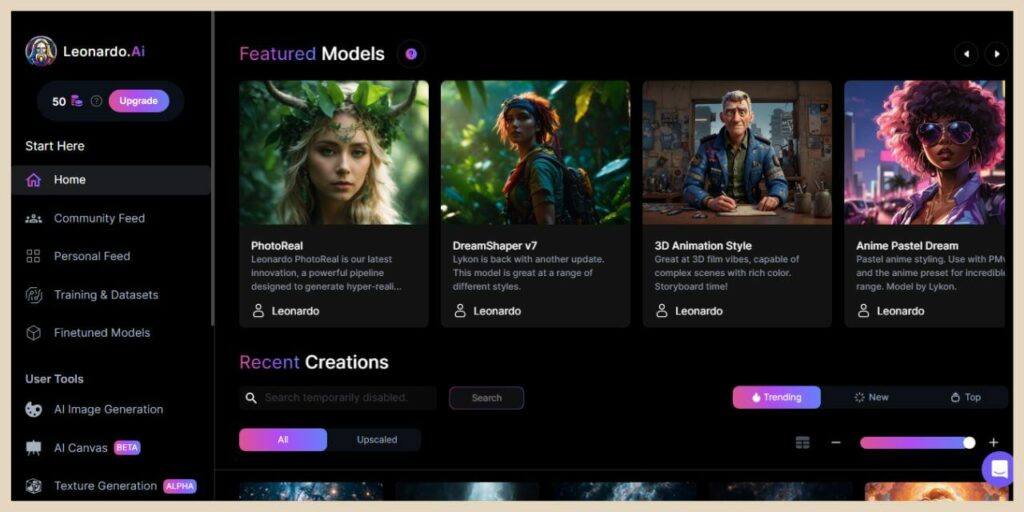
For starters, image size plays a big role here so even though you have more custom size options, the bigger the image, the more tokens it takes to generate it.
There are also some extra features that you can turn on to produce better image results and these also increase the token cost.
You can generate more than 1 image at a time which again increases the token cost, however, when you have the extra features enabled, you can generate more images at a reduced token cost for each extra image you generate at the same time.
It will tell you how many tokens it will cost you before you click the generate button so you can play around with the settings to make the most out of your daily 150 tokens.
Tool Options
There’s an Image to Image tool as well as several AI models, styles and elements to choose from although the styles become limited when you run low on tokens. You can also edit the images further and remove backgrounds but these will cost you more tokens.
This is what Leonardo AI came back with from the dragon prompt using the Leonardo PhotoReal model with “none” selected for the style and both the Prompt Magic and Alchemy features turned on.
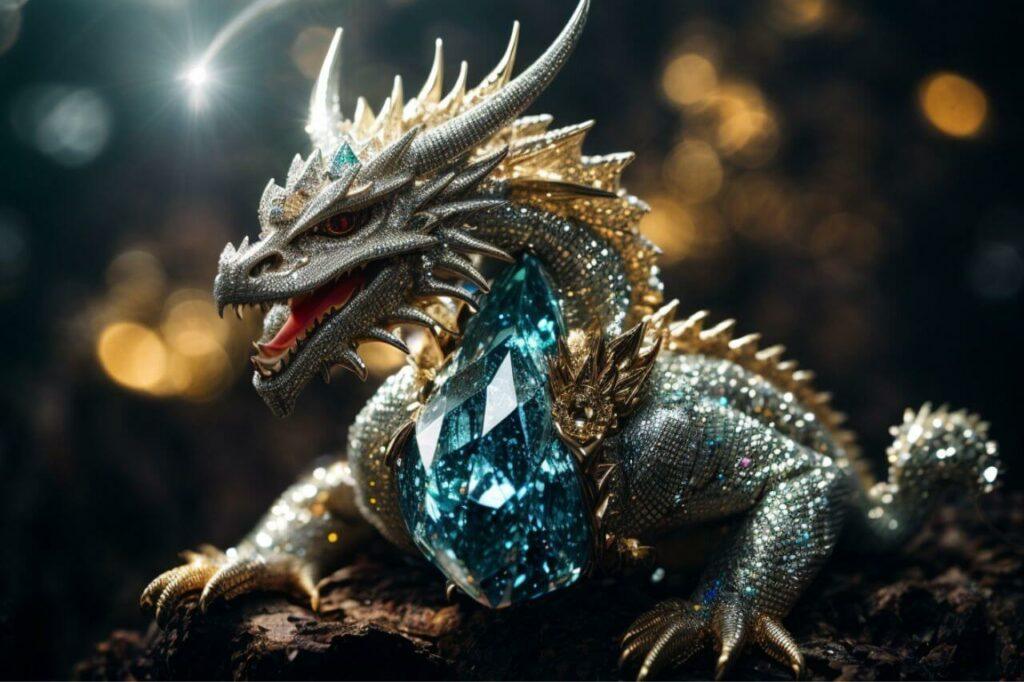
Using the settings above and a 3:2 aspect ratio at a size of 768 x 512, it costs 16 tokens to generate 1 image or 20 tokens if I choose to generate 4 images so as you can imagine, I went with the 4 and all of them where as good as the one shown above.
There’s also a prompt generation tool that you can use to help you create better prompts which you get 1000 uses of.
Simply type in a word or two and the tool will give you a list of more complex prompts you can try that include those words for better results.
For a full tutorial on how to use Leonardo AI, check out my full post here.
Adobe Firefly
Adobe Firefly initially wasn’t going to be on this list because up until very recently, it was in beta and although it was completely free to generate as many images as you liked, you could only use those images for personal use.
However, Firefly has now come out of beta and commercial use is now allowed. Simply sign up for a free account with your email, Google account, Facebook or Apple and you’ll also get access to a few other free Adobe tools including Adobe Express where you can edit your Firefly images.
Free users get 25 monthly credits and each credit will generate 4 images at a time. There are 4 aspect ratios to choose from and 4 content types including art, graphic, photo or none.
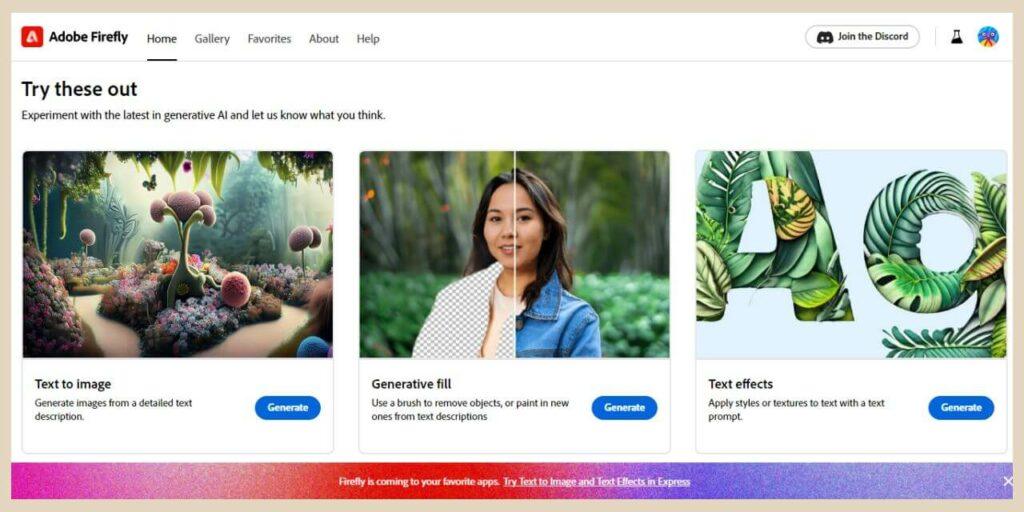
It’s just one AI model you’re working with here with Firefly so unlike the others on the list, there are no other models to switch between.
Image Generating Options
There are also several styles from digital art to oil painting, however, anytime you want to try a different style or content type, you’ll have to generate new images with the changes and that will cost you a credit each time.
You can also change the colour and tone, the lighting and the composition but again, it will cost you a credit to generate the new results.
I’m actually pretty impressed with the images that Firefly generates and seeing as it’s Adobe, I can only imagine that they’ll get even better and better as time goes on.
However, there is one drawback to the free plan and that’s the fact that all generated images come with an Adobe Firefly watermark once you download them which you can see in the bottom left corner of the images below.
You need to be on a paid plan in order to download images without the watermark but if you can live with that, then Firefly does produce some pretty epic images.
The Results It Generates
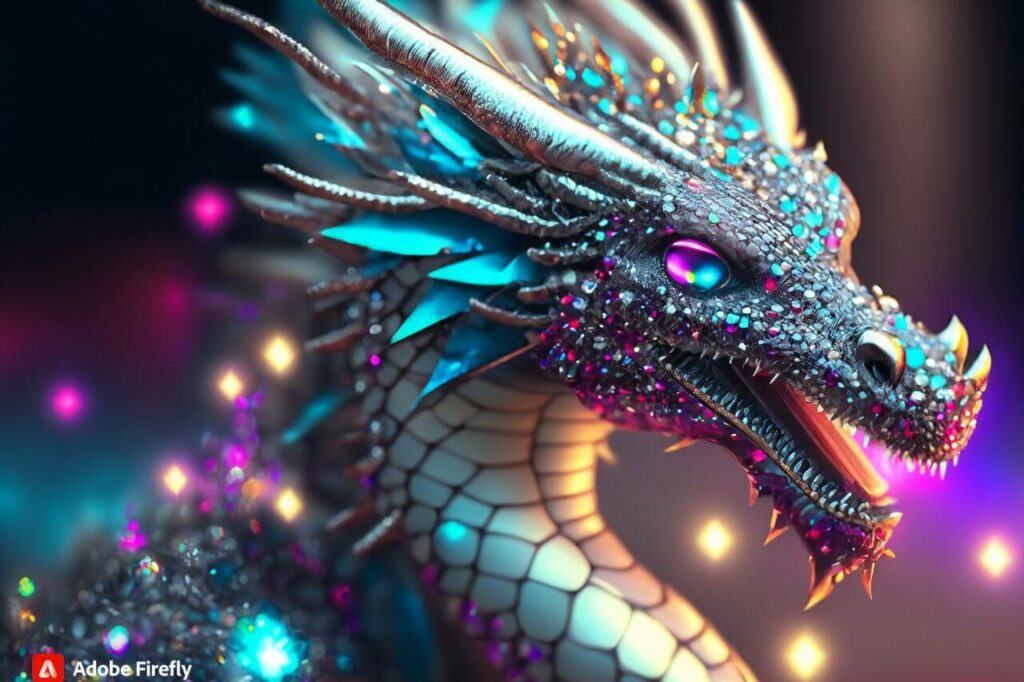
I’ve actually generated some of my best images with Firefly. Here’s what it produced for the sparkly diamond dragon.

In fact, it did such an impressive job that I was torn between 2 of the results it generated. So much so, that I couldn’t decide which one to show you so I figured why not show you them both?
There are also a few other tools that you can play around with in Firefly and they include Generative Fill which will allow you to remove, change or add new objects to an image.
There’s also Text Affects which allows you to apply styles and textures to your text and there’s Generative Recolour which allows you to generate colour variations of your artwork but it will cost you credits to use them.
I was having a serious amount of fun with Adobe Firefly while it was in beta but it was killing me that I couldn’t use any of my creations on my websites so I for one am delighted that it’s out of beta. It’s a very cool tool that I know I’ll personally be using pretty frequently.
For a full tutorial on how to use Adobe Firefly, check out my full post here.
Getimg.ai
Getimg.ai is another AI image generator with a fairly generous free plan. As a free user, you’ll get 100 monthly credits to use and they’ll reset every month. For the most part, generating 1 image will cost 1 credit so that’s essentially 100 free images per month.
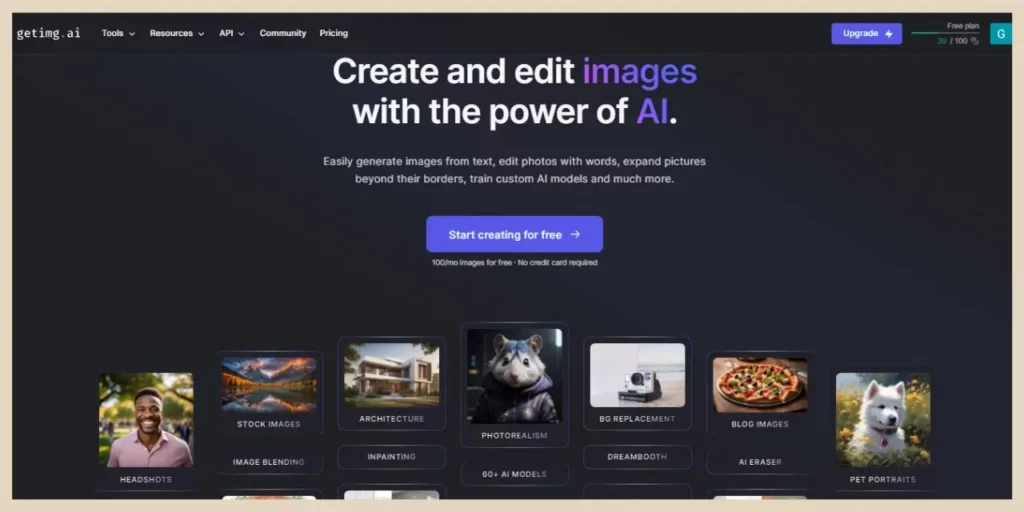
Signing up is simple and like many others on this list, using your Google account is the quickest and easiest way to do it.
This particular generator has 60+ models to choose from and although there are no extra styles/filters, the variety of different models alone has you covered here.
As a free user, you can generate either 1 or 4 images at a time and you can choose between 7 default size options or set your own custom sizes.
This generator also has an image-to-image tool if you want to add your own image as a reference as well as a lot of different editing tools to transform your images further.
Getimg.ai Editing Tools
As well as the image-to-image tool, Getimg.ai also has an inpainting tool, outpainting tool, background removal tool, and numerous other tools including:
- Blend To Image Tool – Blend images together into one image.
- Sketch To Image Tool – Draw new elements/objects into your image.
- Replace Background Tool – Replace the existing image background with something completely different.
- Restyle Tool – Change the style of an image, ie, from photography style to cartoon style.
- Erase Objects Tool – Highlight objects and erase them from your image.
Even as a free user, you can use all of these tools to edit your images. In fact, the only tool that isn’t included in the free plan is the Dreambooth tool which is for creating your own custom AI models.
This is how Getimg.ai got on with the same sparkly diamond dragon prompt and for this one, I used the Stable Diffusion XL model.
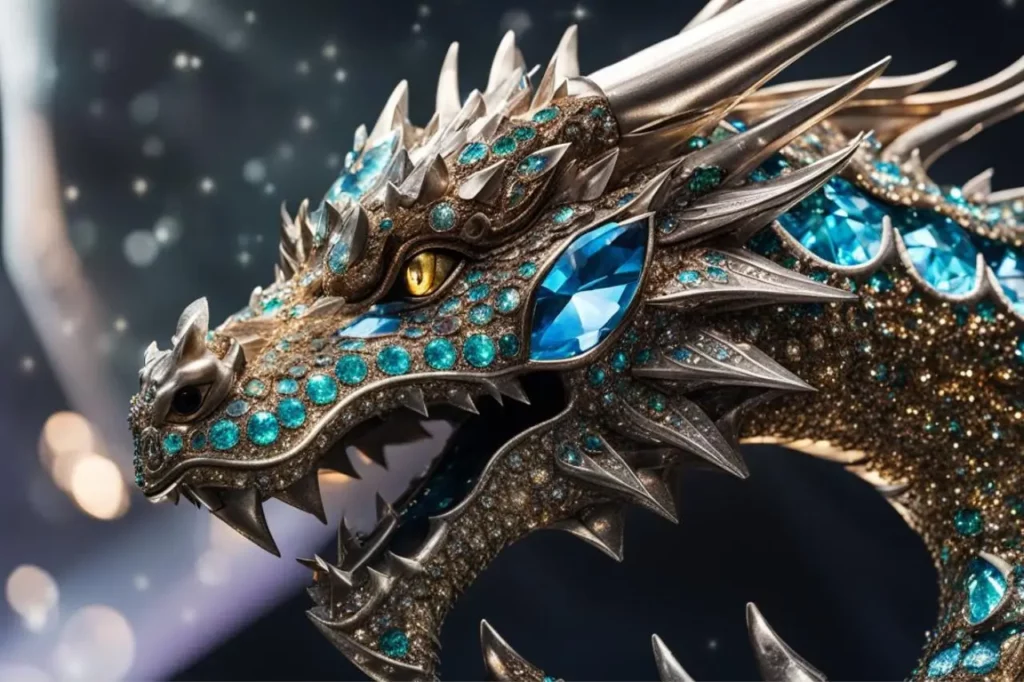
As you can see, Getimg.ai produced a really good image from a very simple undetailed prompt and with all its additional editing tools, I’ve personally had a lot of fun playing around with this one.
For a full tutorial on how to use Getimg.ai, check out my full post here.
NightCafe Studio
NightCafe Studio is a little more limited than the previous free AI image generators but you can build up your credits through various different methods and they don’t reset like the other image generators on this list if you don’t use them.
I managed to build up around 30 credits on the very first day I signed up and I only did a handful of the things that I could have done to earn even more.
Again, signing up is easy by using your Google or Facebook account and once you’re in, you’ll get 5 free credits every day which you won’t lose if you don’t use them. You can also earn more credits by doing certain things within the platform.
Earning More Credits
For example, setting up your profile earns you 3 credits or subscribing to NightCafe emails earns you another 3 credits.
There are also different things that you can do within the community to earn more credits like voting on other people’s creations in the daily competitions or publishing your own creations to the platform.
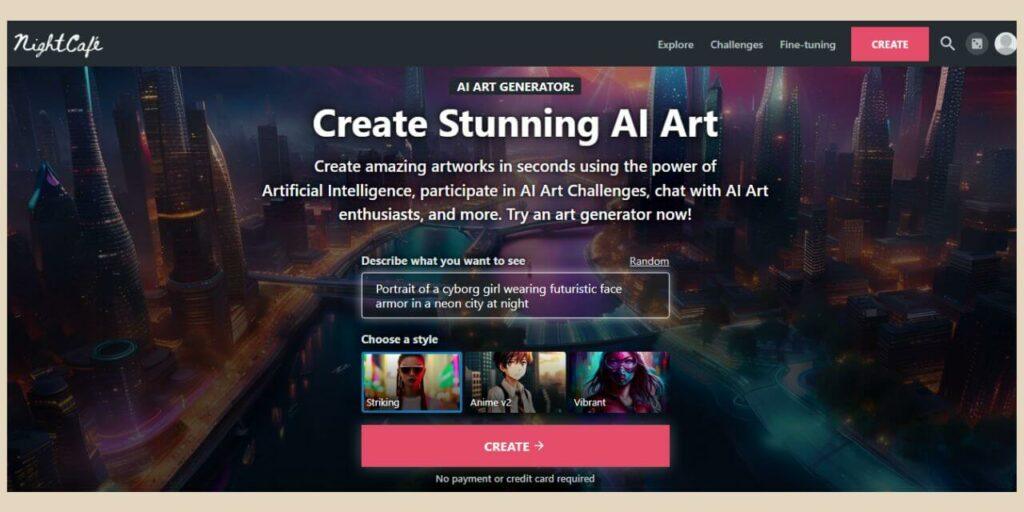
You can even win anywhere from 5 to 250 credits if you participate in the daily challenges and your images do well in the challenge.
The platform has several AI models that you can choose from but they do cost different amounts of credits depending on which ones you use.
There are however a few models that are completely free to use (they don’t use any of your credits) but they’ll only generate a thumb output resolution.
You can, however, take the opportunity to play around with these and if you find one that you like, you could then change to a higher resolution (which will cost you credits) but a least you’ll have an idea of how well they generate.
There are several styles to choose from and you can choose between 1 of 5 aspect ratios. You can also generate up to 16 images at a time but it will cost you a lot more credits.
Their Pro Model
Now, there is one other thing that I want to mention here and that’s their SDXL 1.0 model which is their Pro (paid) model.
As a free user, NightCafe does give you 10 free generations (it won’t use your credits) of pro image models as a one-off and I have to say, it’s far superior to any of their other ones.
Using the SDXL 1.0 model, this is what it came back with for the dragon prompt with no other styles added.
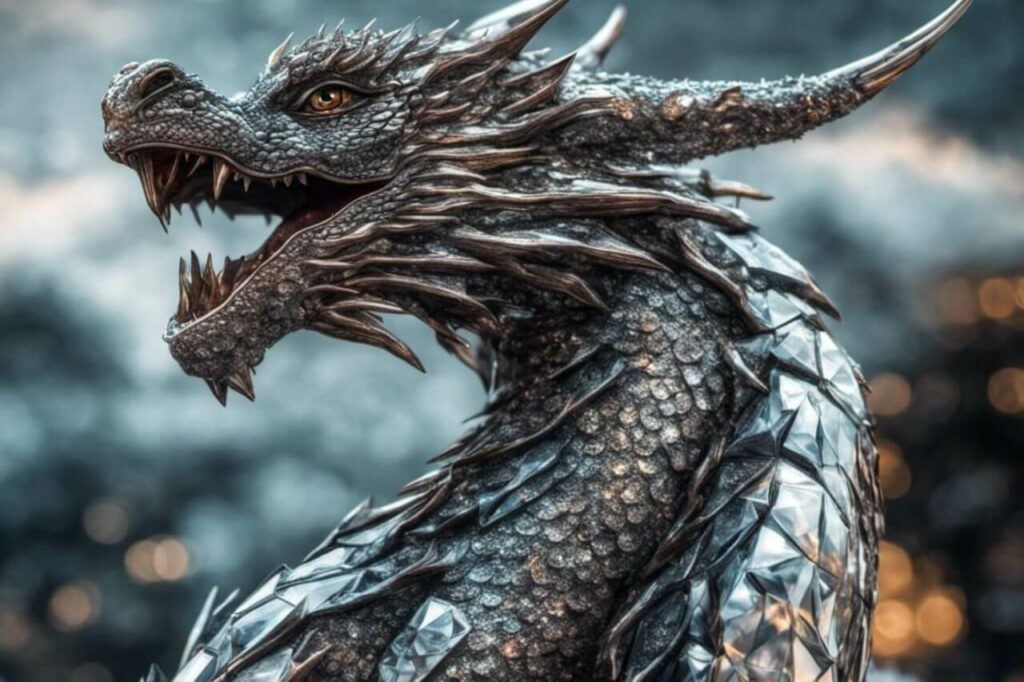
In comparison, this is what the next best model (in my opinion), SDXL 0.9, came back with for the same prompt and this costs 3 credits per image regardless of aspect ratio.
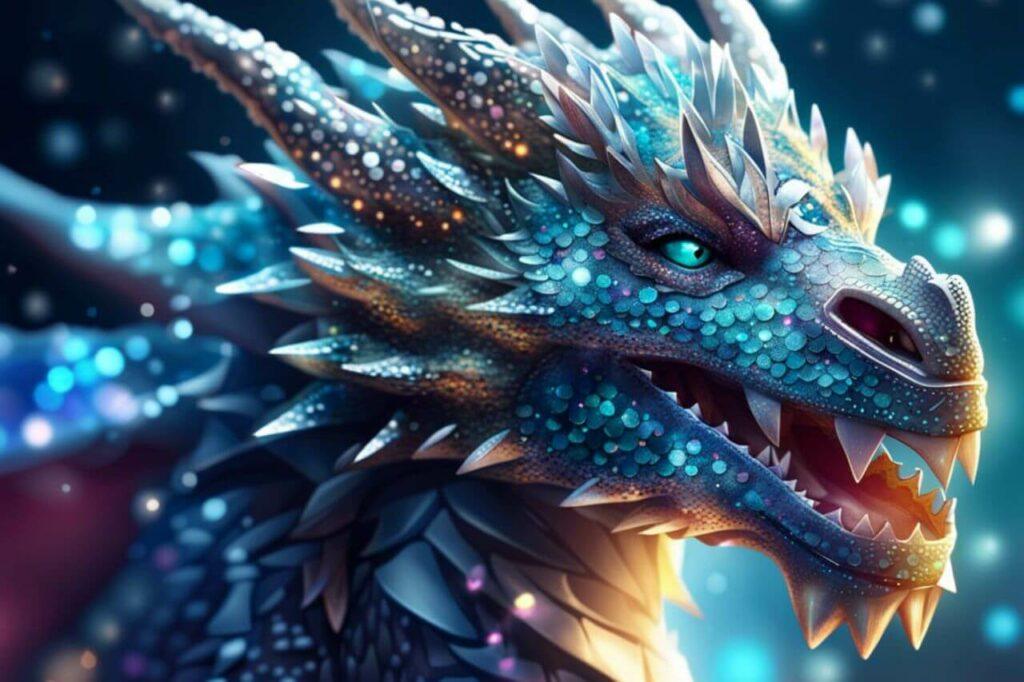
As you can see, it’s a pretty big difference but I guess that’s why the SDXL 1.0 is a Pro model so with that in mind, use your 10 free generation wisely because the images are pretty epic!
Update: The SDXL 1.0 model is now available as a regular model (there are new pro models in it’s place) so free users can now use it permanently with their credits and it only costs 1 credit per image.
For a full walkthrough on using NightCafe, check out my tutorial here.
OpenArt AI
OpenArt AI is a fairly unlimited tool although you can’t use all the features on the free plan. You can however generate as many images as you like but you are limited to 4 basic AI models.
Signing up is easy using your Google account and as a new sign-up, OpenArt will give you 50 free trial credits to use all the premium features which include all their AI models and if you join their Discord, you’ll get another 100 free trial credits.
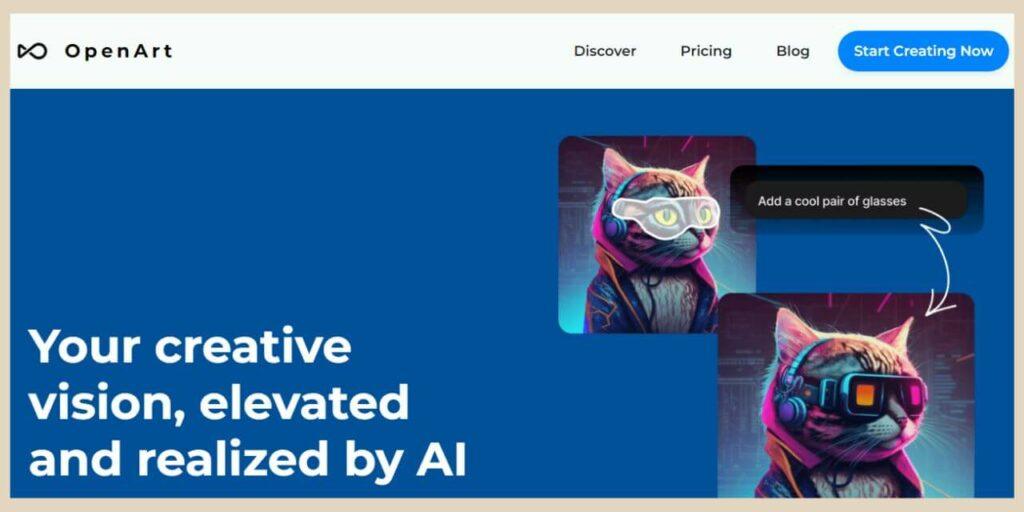
You can choose between several aspect ratios and generate between 1 to 4 images at a time. There are no style options with this one so if you’re looking for a particular look for your images, then you’ll need to get a bit more creative with your prompts.
Get Prompt Inspirations And Ideas
There is a Prompt book and Prompt Template that you can check out for inspiration and you’ll find the links to these directly under the prompt box so this is a great way to learn how to write more descriptive image prompts.
With this image generator, I used the Stable Diffusion XL 1.0 which is one of the free models and this is what it came back with for our dragon prompt.
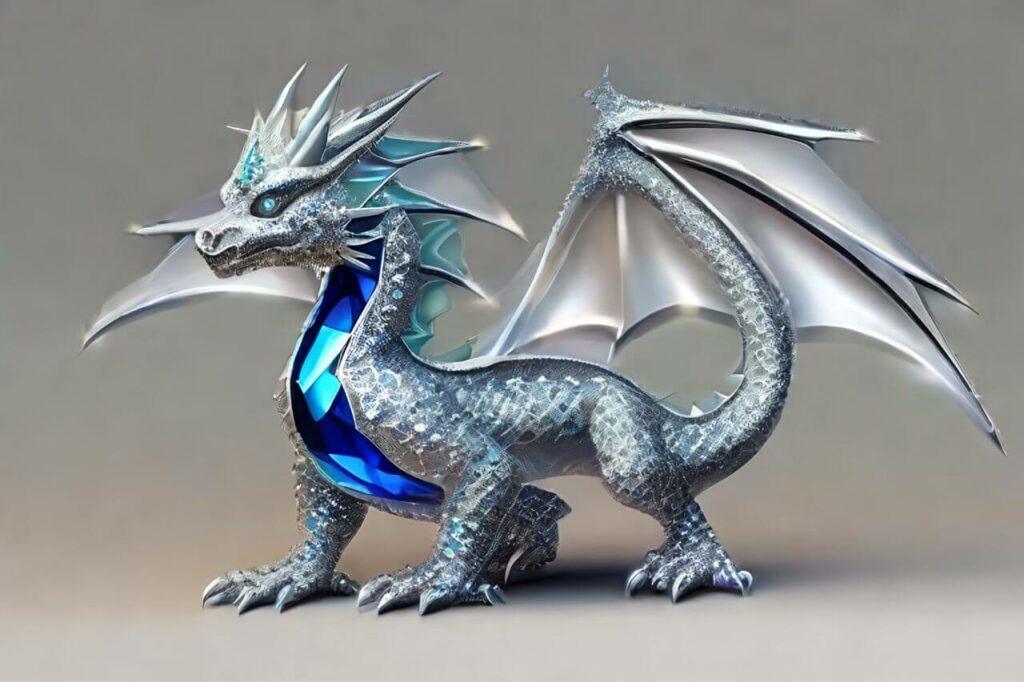
OpenArt AI did produce some very cartoony results so you’ll definitely want to add more details to your prompt to get the best out of it but still, after a few attempts, it did a pretty good job despite the lack of details I gave it.
For a full tutorial on how to use OpenArt AI, check out my full post here.
Mage Space
Mage Space is very similar to OpenArt AI in that as a free user, you can generate an unlimited number of images but you’re limited to only 3 base models to do so, but to be fair, they are pretty decent base models at that.
One of which just so happens to be SDXL (remember NightCafe above) which is one of my favourite ones to use on quite a few other platforms.
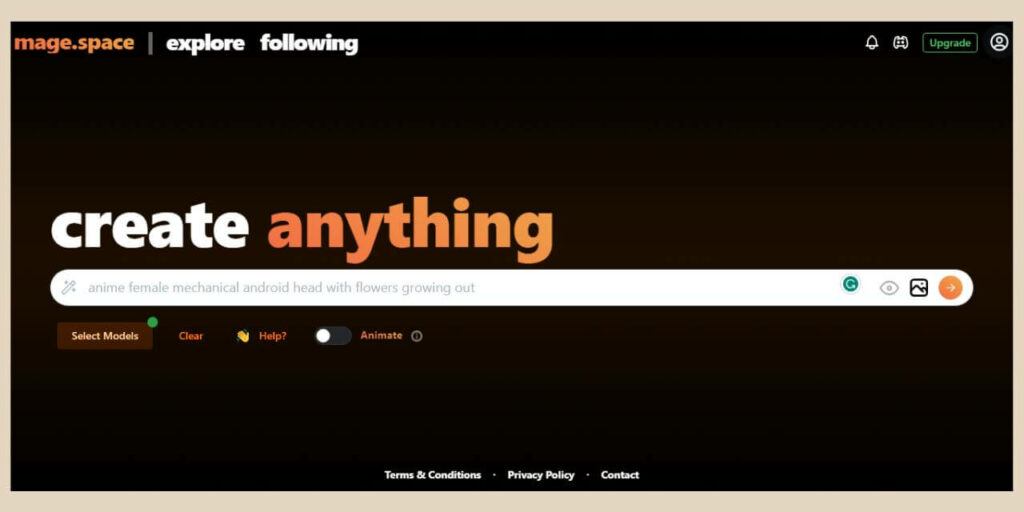
Again, signing up is simple and you can use your Email, Google or Twitter account to do so.
In fact, you can actually generate images without signing up at all although some of the free functions will be greyed if you’re not signed in and you won’t be able to view all your previously generated images either.
Unlimited Image Creation
As a free user, you can only generate 1 image at a time but as I mentioned, there are no image limits with this one so you could spend all day just generating image after image until your heart’s content (or until you get bored).
You have a choice of 7 different aspect ratios and there’s also an image-to-image tool which can also be used to do some image editing using the inpainting feature.
Again, much like OpenArt AI, there are no style options here so you’ll need to get a little bit more creative with your prompts but this one does pretty well even with the simplest of prompts despite the lack of style options.
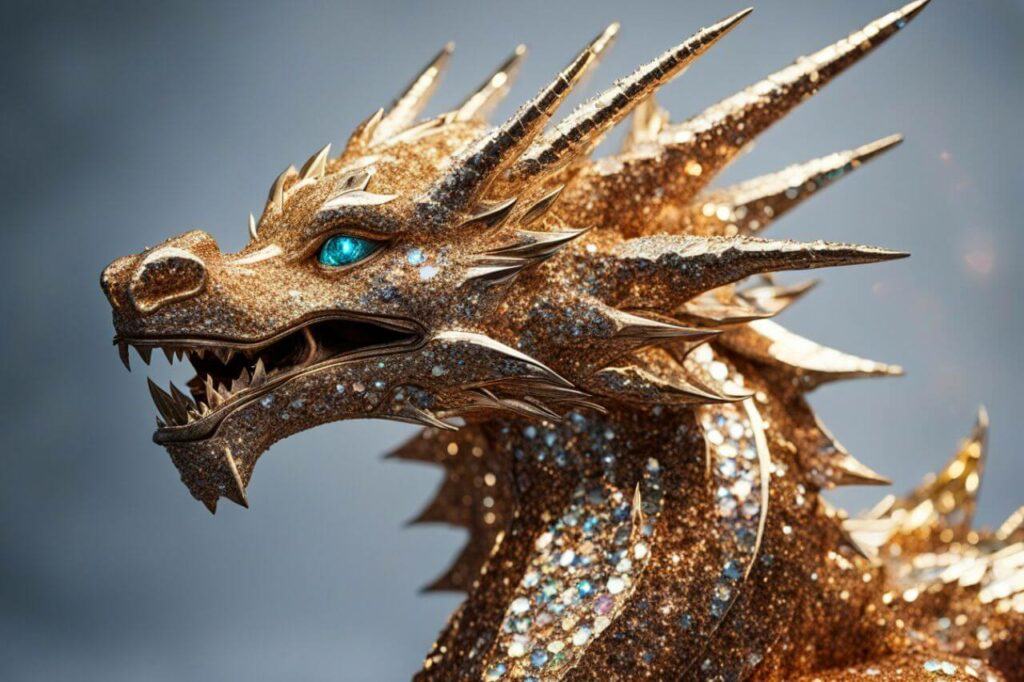
This is what it came back with for the diamond dragon prompt using the SDXL base model.
Mage Space also comes with a prompt builder tool so if you’re completely new to AI image generating then you can utilise this tool to learn how to create the perfect image prompts.
For a full walkthrough on how to use Mage Space, check out my full tutorial here.
Freepik
Freepik is a site predominantly known as a source for downloadable images, videos, icons and vectors. It also has its own Canva-like editor but its newest addition is its own AI image generator tool.
By the way, just in case you’re wondering, Canva isn’t actually on this list but not because its Text to Image tool is lacking in any way (it’s actually a pretty good tool) but purely because you only get 50 lifetime uses with the free account.
Once you’ve used them all up, you have to upgrade to a paid plan to continue using it and I only wanted to include free forever plans here so with that in mind, Canva didn’t make the cut. Sorry, Canva. It is a pretty good image-generating tool though as are all of Canva’s AI tools.
Anyway, back to Freepik. Signing up is just as simple as most of the other tools and once you’re in, you’ll be able to generate 40 free images every day which will refresh every 24 hours from the time of day you started using it.
You can choose between 3 different aspect ratios and numerous styles to change the types of results you get with your prompts. You can also choose several colour, lighting and framing settings to alter the results even more.
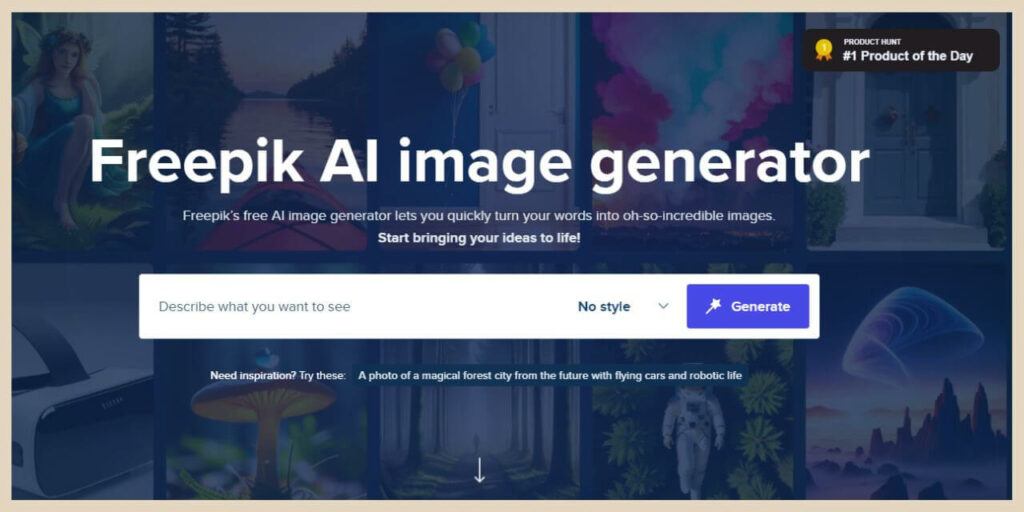
Freepik will automatically generate 4 images with each prompt and once you’ve generated an image that you like, you can then edit it even further in the Freepik editor.
You can crop them, remove the background or change the contrast, brightness, etc. You can also add text or other elements to it much like the Canva editor.
The Contradicting Daily Limits
One thing that is a little confusing is that on the main Image Generator homepage, it states that on the free plan, you get 3 image creations daily with 4 different twists to them so that makes 12 images total which contradicts the 40 on the image counter within the editor.
I’ve been using this for several months now and I’m still getting 40 images (10 prompts) daily so I’m a little bit confused here but whatever, if they’re there then I’m using them!
Anyway, the images generated are pretty good as you can see from the image below which is the same diamond dragon prompt again.
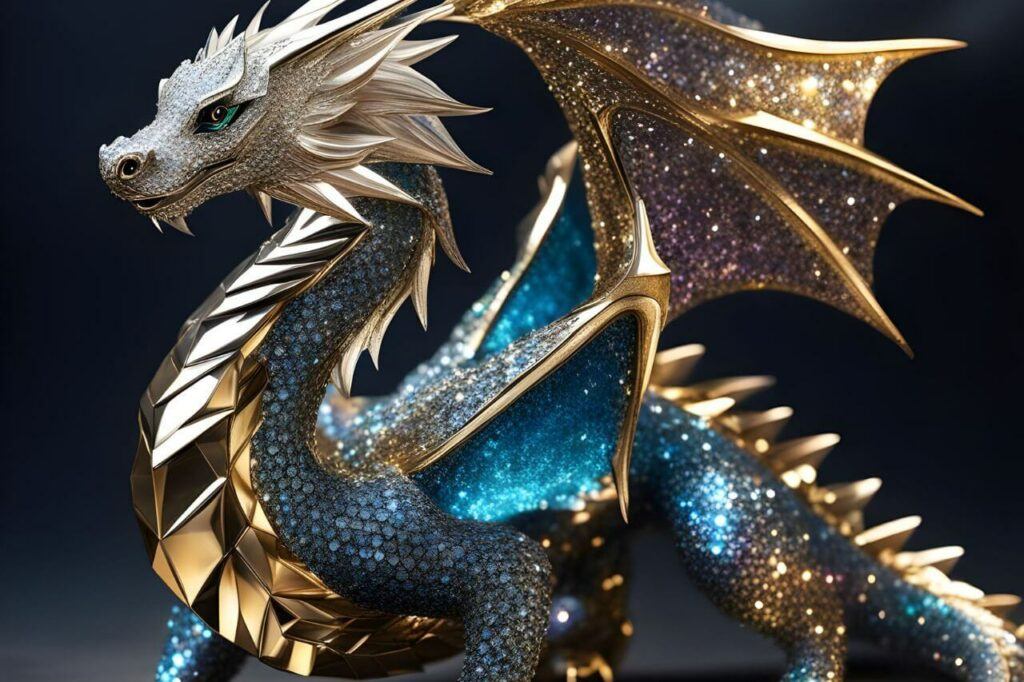
One thing I will mention though is that sometimes these image generators can mess up things like deformed or extra limbs for example and Freepik had a tendency to do this more than others. So keep your eyes out for these oddities because sometimes they’re easily missed.
For a full tutorial on how to use Freepik, check out my full post here.
Let’s Get AI Image Generating
Although there are many free AI image generators out there, these were some of the best ones I found that ticked all the boxes.
They‘re forever free, easy to use and will generate decent images even with the most basic and limited description prompts and they’ll do it in a reasonable time too.
So why not have a little creative fun and give them a try for yourself? Your next best creative masterpiece might just be around the next AI image generator corner.
As always, I hope you’ve found this post useful and if you’d like to share your own free AI image generator favourites then please feel free to tell me all about them in the comments below.
Happy AI Image Generating!

Helpful Guides to Read Next
These beginner-friendly guides will help you keep building your blog step by step.
- Create Blog Graphics Faster with Adobe Firefly AI
- Why Bloggers Love Leonardo AI for Image Creation
- Generate High-Quality AI Images with OpenArt
- How to Create Better Graphics Faster with Canva AI
- How to Create Professional Blog Graphics with Canva for Free
Ready to Scale Your Digital Footprint?
Publishing content is only half the battle. If you’re ready to amplify your reach, visit my Grow Hub for actionable deep dives on search engine optimisation, email list building, creating better content and graphics and sustainable traffic strategies.
Jessie
Founder, nomorerush.com
Hi, I’m Jessie — founder of No More Rush. I help beginners build profitable, beginner-friendly blogs without the overwhelm or unrealistic expectations you see online. Everything here is built around simple, structured steps so you always know what to do next.
Wow this is such a valuable post for those of us looking to generate unique images. Thank you for giving me all these options because although I do have a paid AI account, I am not that happy with the images that it generates and I am looking at making a coloring in book but haven’t had too much luck yet with any I have tried. Which one of these would you suggest for a coloring book?
Hi Michel
My two personal favourites are Playground AI and Adobe Firefly although I’m rating them on the fact that I am looking to produce a very particular style of image and both of them produce exactly what I’m looking for.
I did give Playground AI a quick go for a colouring book type image and if you leave the filters set to none, it did do a pretty good job although you’d need to be descriptive with your prompts.
I do know that there are a few AI image generators out there that are specifically for colouring books type images but I haven’t tried any of them so I can’t comment on how good they are and they may not be free either.
A quick Google search brings up quite a few of them but definitely give Playground AI a try. At least it has a 500 images a day limit so you could play around with it for a while to see what it generates.
I hope that helps.