
Build Your Blog on a Strong Foundation
Practical, beginner-friendly steps to design your blog, set up WordPress, and build a site that actually works.
Build a Blog
Building your blog is where everything starts to come together.
In this section, you’ll learn how to set up WordPress, design your site, and create a blog that looks professional and works smoothly from day one.
Each guide walks you through the process step by step, so you’re not just launching a blog, you’re building something solid, structured, and ready to grow. Simply follow the steps below to move forward.
Set Up WordPress → Design Your Blog → Essential Plugins → Create Your First Content
Step 1: Set Up WordPress
This is where your blog becomes real. Learn how to set up WordPress, understand the basics, and get your site ready to build on.
-
How To Add Widgets In WordPress
Learn how to add and customise widgets in WordPress to enhance your sidebar, footer, and overall blog functionality without any coding.
-
How To Add Categories In WordPress
Learn how to add and organise categories in WordPress to structure your content clearly and make it easier for readers to navigate your blog.
-
How To Add A Menu In WordPress
Learn how to create and customise menus in WordPress so visitors can easily navigate your blog and find the content they’re looking for.


Step 2: Design & Brand Your Blog
Your blog’s design and branding shape how people experience your content. Learn how to create a clean, structured layout and build a simple, recognisable brand that makes your blog feel professional from the start.
-
7 Website Design Tips to Make Your Blog Look Professional
Improve your blog’s design with simple, practical tips that make your site look clean, professional, and easy to navigate from the start.
-
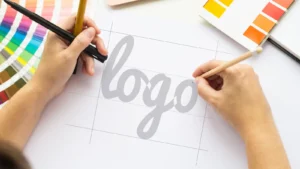
How To Create A Logo For Free With Canva
Learn how to design a clean, professional logo using Canva’s free tools, so you can build a strong brand without hiring a designer.
-
How To Create And Add A Favicon To A WordPress Website
Learn how to create and add a favicon to your WordPress website so your blog looks more professional and is easily recognisable in browser tabs.


Step 3: Essential Plugins
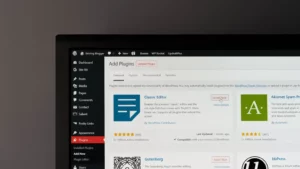
The right plugins help your blog run smoothly and add the features you need from the start. Here are the essentials to improve performance, security, and functionality without overcomplicating things.
-
The Most Essential WordPress Plugins For Bloggers
Discover the essential WordPress plugins every beginner needs to improve performance, boost SEO, and add key features to your blog.
-
How To Add Social Media Buttons To WordPress
Learn how to add social media buttons to your WordPress site so readers can easily share your content and connect with your profiles.
-
How To Add Header And Footer Code In WordPress
Learn how to safely add code to your WordPress header and footer to connect tools, track data, and customise your site without editing theme files.

Step 4: Create Your First Content
Before you start growing your blog, there are a few key pieces of content to put in place. This guide will help you create the essential foundations your blog needs from day one.

8 Essential Pages Every Blog Needs To Look Professional
Learn which essential pages every blog needs, from your homepage to key legal pages, so you can launch with a polished and professional foundation.
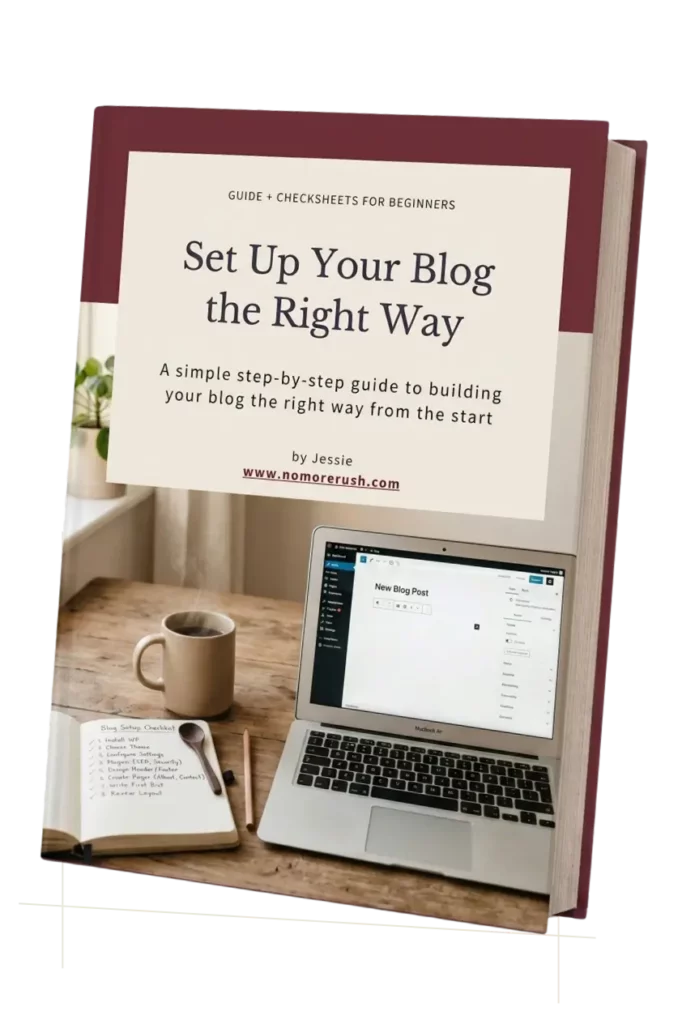
Set Up Your Blog the Right Way From Day One
Get the free Blog Setup Guide. A simple beginner-friendly workbook to help you organise your blog, choose the right setup, and build your site with more confidence.
- Choose a beginner-friendly WordPress theme
- Set up your pages, menus, and blog structure
- Organise your blog the simple way
- Build a clean, professional-looking website
Your blog is set up and ready. Now it’s time to create content and start attracting readers.
Continue to Grow Your Blog →