How To Create A Google AdSense Account
Learn how to create a Google AdSense account so you can start earning from your blog by displaying ads as your traffic begins to grow.


Learn how to create a Google AdSense account so you can start earning from your blog by displaying ads as your traffic begins to grow.

Learn how to set up Google Search Console in WordPress so you can monitor your site’s performance and understand how your blog appears in search results.

Learn how to set up Google Analytics in WordPress so you can track your traffic, understand your audience, and make better decisions as your blog grows.

Learn how to add links in WordPress, including internal and external linking, so you can improve navigation and connect your content effectively.

Learn how to create professional website images with Canva so your blog looks polished, consistent, and visually engaging.

Discover how to add an About Me widget to your WordPress sidebar, helping you personalise your site and build trust with your audience.

Learn how to embed a Pinterest board in WordPress so you can showcase your content, increase engagement, and connect your blog with Pinterest.
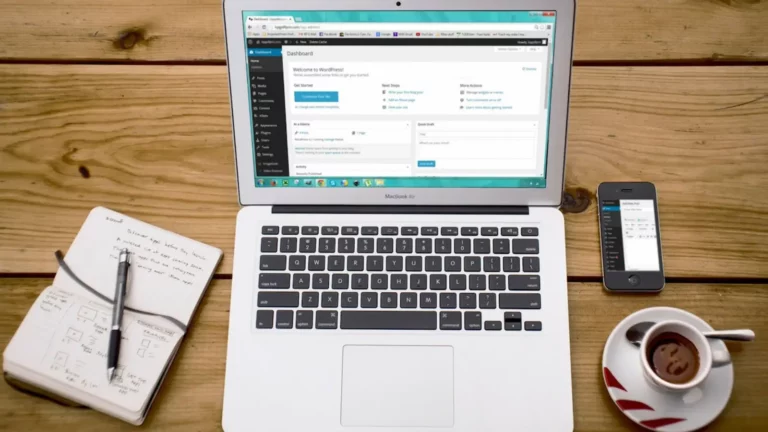
Learn how to add and customise widgets in WordPress to enhance your sidebar, footer, and overall blog functionality without any coding.

Learn how to add and organise categories in WordPress to structure your content clearly and make it easier for readers to navigate your blog.

Learn how to create and customise menus in WordPress so visitors can easily navigate your blog and find the content they’re looking for.