How To Add Widgets In WordPress
Learn how to add and customise widgets in WordPress to enhance your sidebar, footer, and overall blog functionality without any coding.

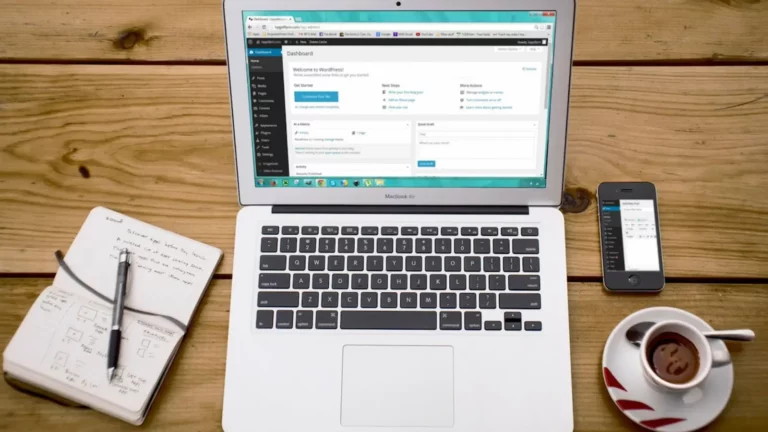
Learn how to add and customise widgets in WordPress to enhance your sidebar, footer, and overall blog functionality without any coding.

Learn how to add and organise categories in WordPress to structure your content clearly and make it easier for readers to navigate your blog.

Learn how to create and customise menus in WordPress so visitors can easily navigate your blog and find the content they’re looking for.

Learn how to set a featured image in WordPress, helping your posts stand out in archives, search results, and social media shares.
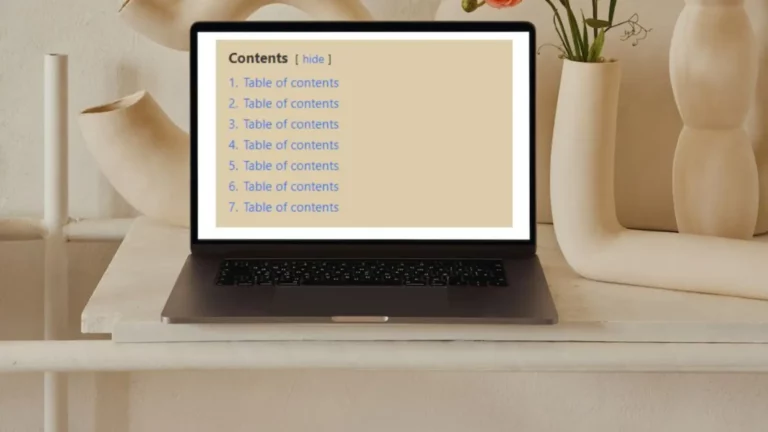
Learn how to add a table of contents in WordPress to improve navigation, enhance user experience, and help readers find key sections easily.
Learn how to safely add code to your WordPress header and footer to connect tools, track data, and customise your site without editing theme files.

Learn what Amazon OneLink is and how to use it so you can maximise your affiliate earnings by directing visitors to the correct regional Amazon store.

Learn how to use Amazon affiliate links in WordPress so you can promote products effectively and start earning commissions from your blog.

Learn how to become an Amazon Associate so you can start earning commissions by promoting products that are relevant to your blog audience.

Learn how to set up Rich Pins on Pinterest so your content displays more detail, looks more professional, and attracts more clicks over time.