How To Add Links In WordPress
Learn how to add links in WordPress, including internal and external linking, so you can improve navigation and connect your content effectively.

Step-by-step guides to setting up WordPress, designing your blog layout, and building a clean, professional brand from the start.

Learn how to add links in WordPress, including internal and external linking, so you can improve navigation and connect your content effectively.

Discover how to add an About Me widget to your WordPress sidebar, helping you personalise your site and build trust with your audience.
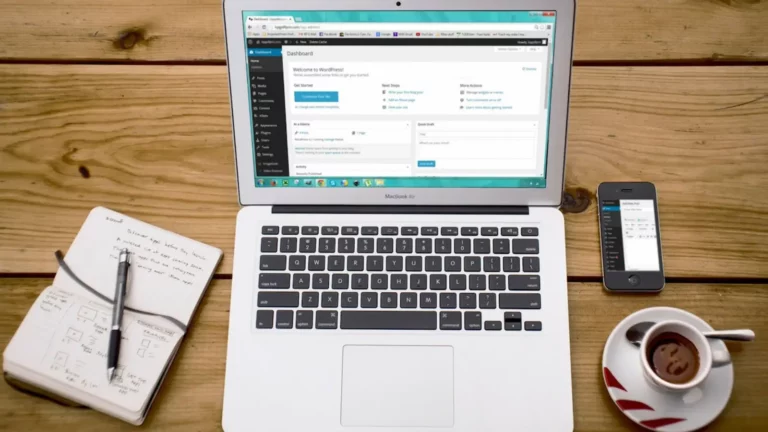
Learn how to add and customise widgets in WordPress to enhance your sidebar, footer, and overall blog functionality without any coding.

Learn how to add and organise categories in WordPress to structure your content clearly and make it easier for readers to navigate your blog.

Learn how to create and customise menus in WordPress so visitors can easily navigate your blog and find the content they’re looking for.

Learn how to set a featured image in WordPress, helping your posts stand out in archives, search results, and social media shares.
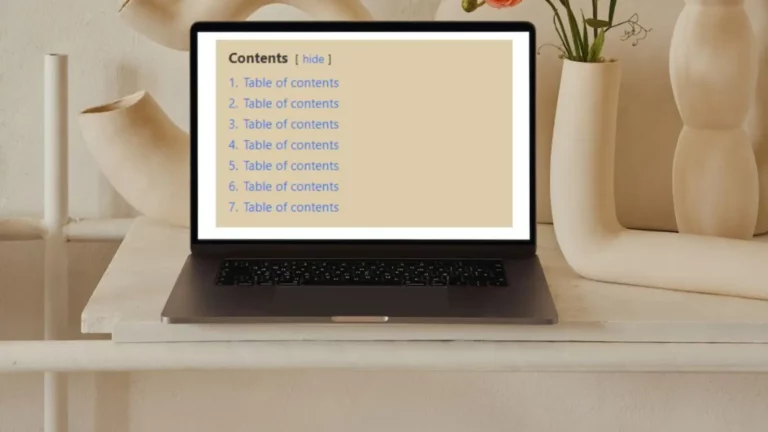
Learn how to add a table of contents in WordPress to improve navigation, enhance user experience, and help readers find key sections easily.
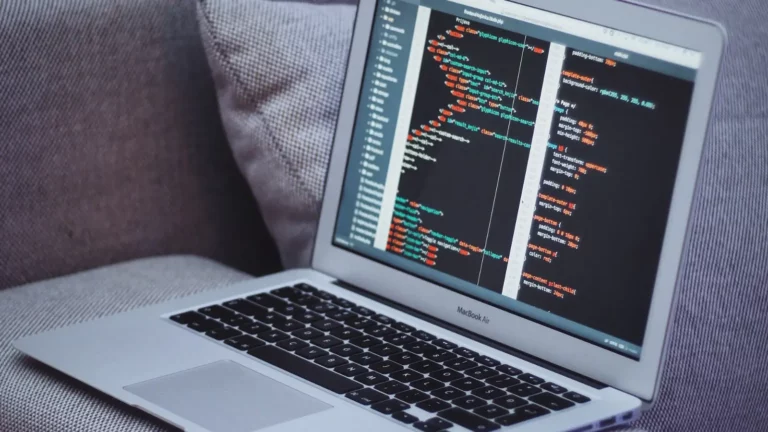
Learn how to safely add code to your WordPress header and footer to connect tools, track data, and customise your site without editing theme files.

Learn how to add social media buttons to your WordPress site so readers can easily share your content and connect with your profiles.

Discover how to display recent posts with thumbnails in WordPress, helping visitors find more content and improving navigation across your website.