Skip to content
Primary brand logo for No More Rush in oatmeal cream serif typography with a stylized decorative swoosh on the letter N.
  • Home
  • Start
  • Build
  • Grow
  • Monetise
Primary brand logo for No More Rush in oatmeal cream serif typography with a stylized decorative swoosh on the letter N.

Build Your Blog on a Strong Foundation

Practical, beginner-friendly steps to design your blog, set up WordPress, and build a site that actually works.

Start with Step 1: Set Up WordPress

Build a Blog

Building your blog is where everything starts to come together.

In this section, you’ll learn how to set up WordPress, design your site, and create a blog that looks professional and works smoothly from day one.

Each guide walks you through the process step by step, so you’re not just launching a blog, you’re building something solid, structured, and ready to grow. Simply follow the steps below to move forward.

Set Up WordPress → Design Your Blog → Essential Plugins → Create Your First Content


Step 1: Set Up WordPress

This is where your blog becomes real. Learn how to set up WordPress, understand the basics, and get your site ready to build on.

  • An overhead view of a MacBook Air on a wooden desk showing the WordPress dashboard, accompanied by a notebook, smartphone, and a cup of espresso, used for a tutorial on how to add widgets in WordPress.

    How To Add Widgets In WordPress

    Learn how to add and customise widgets in WordPress to enhance your sidebar, footer, and overall blog functionality without any coding.

  • An overhead shot of hands with decorative henna and manicured nails typing on a laptop over a white marble desk, used for a guide on how to add categories in WordPress.

    How To Add Categories In WordPress

    Learn how to add and organise categories in WordPress to structure your content clearly and make it easier for readers to navigate your blog.

  • An overhead view of a person typing on a laptop at a white desk surrounded by a cup of coffee, succulents, a notebook, and a daily planner, used for a WordPress menu tutorial.

    How To Add A Menu In WordPress

    Learn how to create and customise menus in WordPress so visitors can easily navigate your blog and find the content they’re looking for.

Step 2: Design & Brand Your Blog

Your blog’s design and branding shape how people experience your content. Learn how to create a clean, structured layout and build a simple, recognisable brand that makes your blog feel professional from the start.

  • A top-down view of a workstation showing a responsive website design displayed across a computer monitor, laptop, tablet, and smartphone for a tutorial about website design tips for a professional blog.

    7 Website Design Tips to Make Your Blog Look Professional

    Improve your blog’s design with simple, practical tips that make your site look clean, professional, and easy to navigate from the start.

  • Hands sketching a logo on a grid paper with a pencil and markers, surrounded by color palettes, illustrating a guide on how to create a logo for free with Canva.

    How To Create A Logo For Free With Canva

    Learn how to design a clean, professional logo using Canva’s free tools, so you can build a strong brand without hiring a designer.

  • A sleek laptop on a glowing hexagonal-patterned floor with a glowing cyan WordPress-style logo on the screen, illustrating a guide on creating and adding a favicon to a WordPress website.

    How To Create And Add A Favicon To A WordPress Website

    Learn how to create and add a favicon to your WordPress website so your blog looks more professional and is easily recognisable in browser tabs.

Step 3: Essential Plugins

The right plugins help your blog run smoothly and add the features you need from the start. Here are the essentials to improve performance, security, and functionality without overcomplicating things.

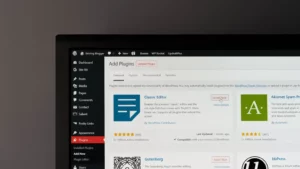
  • A screenshot of the WordPress Add Plugins dashboard screen on a monitor, featuring the Classic Editor and Akismet Spam Protection plugins, illustrating an essential wordpress plugins guide for bloggers.

    The Most Essential WordPress Plugins For Bloggers

    Discover the essential WordPress plugins every beginner needs to improve performance, boost SEO, and add key features to your blog.

  • A close-up view of a smartphone screen displaying distinct icons for social media networks, including Facebook, Instagram, Twitter, and Pinterest, on a bronze background, used in a guide on how to add social media buttons to WordPress.

    How To Add Social Media Buttons To WordPress

    Learn how to add social media buttons to your WordPress site so readers can easily share your content and connect with your profiles.

  • A MacBook Air laptop screen displaying lines of HTML and CSS code, used for a tutorial on how to add header and footer code in WordPress.

    How To Add Header And Footer Code In WordPress

    Learn how to safely add code to your WordPress header and footer to connect tools, track data, and customise your site without editing theme files.
Step 4: Create Your First Content

Before you start growing your blog, there are a few key pieces of content to put in place. This guide will help you create the essential foundations your blog needs from day one.

A pink rose lying next to an open book with pages folded into a heart shape, representing the essential pages needed for a professional blog.

8 Essential Pages Every Blog Needs To Look Professional

Learn which essential pages every blog needs, from your homepage to key legal pages, so you can launch with a polished and professional foundation.

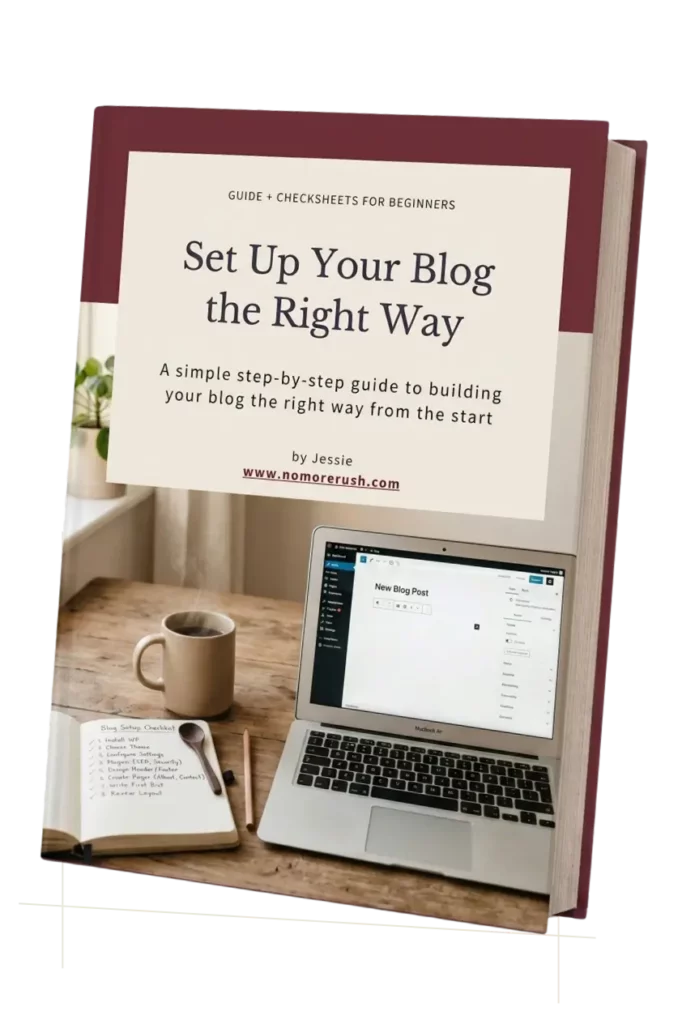
Set Up Your Blog the Right Way From Day One

Get the free Blog Setup Guide. A simple beginner-friendly workbook to help you organise your blog, choose the right setup, and build your site with more confidence.

  • Choose a beginner-friendly WordPress theme
  • Set up your pages, menus, and blog structure
  • Organise your blog the simple way
  • Build a clean, professional-looking website

Thank you!

You have successfully joined our subscriber list.

3D book mockup of the 'Set Up Your Blog the Right Way' beginner guidebook, featuring a cover design with a laptop, coffee mug, and blog setup checklist.

Browse All Blog Building Guides →

Your blog is set up and ready. Now it’s time to create content and start attracting readers.
Continue to Grow Your Blog →

Explore


  • Start Here
  • About
  • Contact Me
  • Blogging Roadmap
  • Blogging Tools
  • All Articles

Info


  • Disclaimer & Affiliate Disclosure
  • Privacy Policy
  • Cookie Policy
  • Terms and Conditions

Build it right. Grow it steadily.

Helping beginners build blogs with clarity, confidence, and a step-by-step approach.


Start your blog the right way
Get the free Beginner Blog Launch Kit

Get the Free Kit

Affiliate Disclosure: Some of the links on this website are affiliate links, which means I may earn a small commission if you make a purchase, at no additional cost to you.


Facebook X Instagram Pinterest
Primary brand logo for No More Rush in oatmeal cream serif typography with a stylized decorative swoosh on the letter N.

Copyright © 2026 No More Rush. All Rights Reserved. Built by Jessie with patience (and a lot of coffee).

Manage Cookie Consent
We use technologies like cookies to store and/or access device information. We do this to improve browsing experience and to show (non-) personalized ads. Consenting to these technologies will allow us to process data such as browsing behavior or unique IDs on this site. Not consenting or withdrawing consent, may adversely affect certain features and functions.
Functional Always active
The technical storage or access is strictly necessary for the legitimate purpose of enabling the use of a specific service explicitly requested by the subscriber or user, or for the sole purpose of carrying out the transmission of a communication over an electronic communications network.
Preferences
The technical storage or access is necessary for the legitimate purpose of storing preferences that are not requested by the subscriber or user.
Statistics
The technical storage or access that is used exclusively for statistical purposes. The technical storage or access that is used exclusively for anonymous statistical purposes. Without a subpoena, voluntary compliance on the part of your Internet Service Provider, or additional records from a third party, information stored or retrieved for this purpose alone cannot usually be used to identify you.
Marketing
The technical storage or access is required to create user profiles to send advertising, or to track the user on a website or across several websites for similar marketing purposes.
  • Manage options
  • Manage services
  • Manage {vendor_count} vendors
  • Read more about these purposes
View preferences
  • {title}
  • {title}
  • {title}
Scroll to top
  • Home
  • Start
  • Build
  • Grow
  • Monetise
Search